Boxed Fonts – Copy Boxed Fancy Text Styles
Boxed Font is a collection of fancy text styles where every letter appears inside a box or frame. These boxed styles give your text a clean, structured, and eye-catching look. Each box style is different and unique, allowing you to choose the one that best fits your purpose.
If you want to turn your normal text, name, or gaming username into a boxed-style fancy text, this is the best place for you.
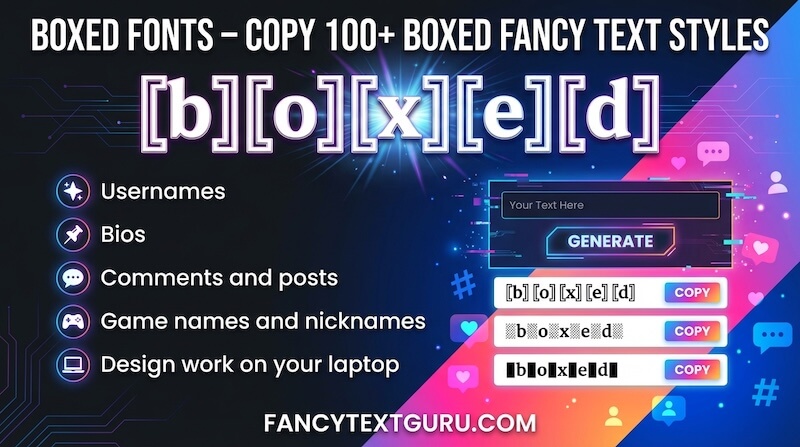
Different Types of Boxed Font Styles
By default, you will see around 10 boxed fancy text styles when the page loads. These styles are specially selected to focus only on boxed fonts, so you don’t have to search through other font types.
Each boxed style uses a different kind of box design, making every style useful in its own way. Just type your text, and all generated results will appear in boxed fancy text format.
How to Create Boxed Fancy Text
- First, Go to the input bar
- Type your name, nickname, message, or any text
- Boxed fancy text styles are generated automatically
- All results will appear in box styles
How to Copy Boxed Fancy Text Styles
Copying boxed styles is quick and easy:
- First, Click on any boxed fancy text style you like
- Then “Copied” notification will appear
- The text is now copied
You can paste the copied text anywhere you want. Like social media bios, messages, gaming profiles, captions, or usernames.
How to Use Gaming Names in Boxed Styles
Boxed Font also supports gaming name generation:
- Go to the bottom-right corner
- Click the Orange Colored bulb icon
- Choose a gaming name from the list
- Boxed fancy text styles are generated automatically
Click the boxed style you like to copy and use it in your game.
More Fancy Text Styles and Options
If the default boxed styles are not exactly what you’re looking for, you can explore more options:
- Scroll down to find additional fancy text styles
- Click the “Load More” button to see more designs
- Explore other fancy text categories available on the page
Where Can You Use Boxed Fonts?
- Gaming usernames
- Social media bios and profiles
- Messages and captions
- Nicknames and display names